



Betnella Mobile App
The Betnella app gives players direct access to our casino from a smartphone or tablet. We keep the mobile version close to the desktop platform, so players can use the same account to open the lobby, log in, manage the wallet, check active offers, and play casino games. Bet Nella mobile access is built for smaller screens, touch controls, and quick navigation.



Betnella Mobile Casino
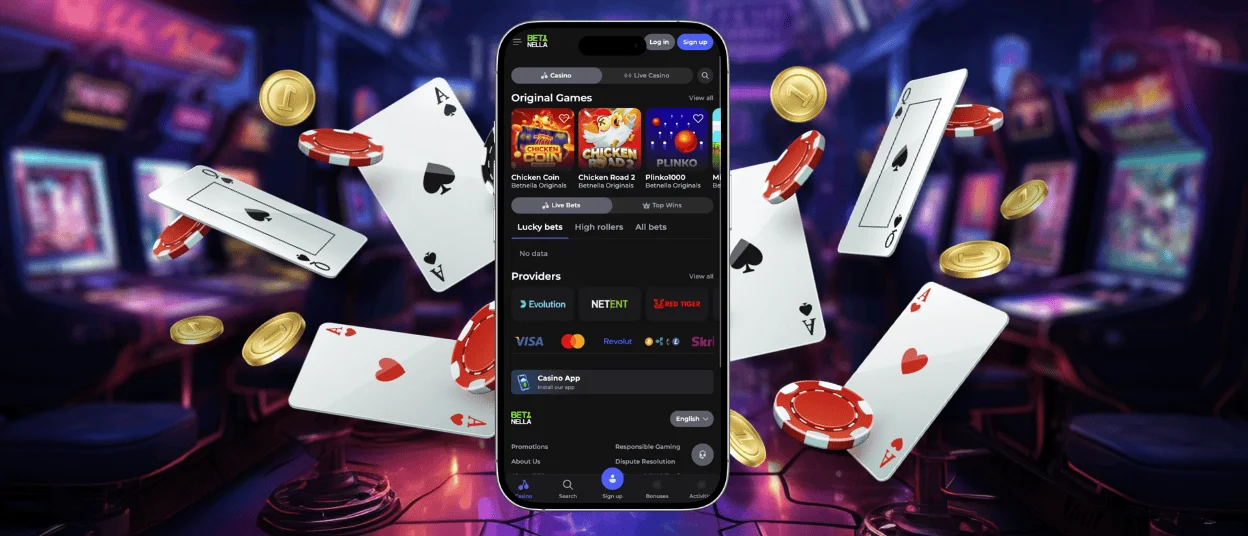
Betnella App for Mobile Play gives access to the main casino sections through a mobile interface. The layout fits smaller screens, so the menu, account button, wallet, game categories, and support area remain easy to reach. Players do not need to search through a full desktop layout to find basic actions.
The mobile version is useful for short sessions. It starts quickly and works well with touch controls. Players can move between slots, live games, table games, and account settings without a mouse. The desktop version gives more screen space, so it is often more comfortable for longer sessions.
The main difference is how players control the platform. On mobile, the screen is smaller, and actions are made with taps or swipes. On desktops, players can see more sections at once and use a keyboard or mouse. At Bet Nella, both versions use the same account, so the balance, profile details, bonus status, and game access stay the same.
Mobile play is also linked to internet quality. A stable connection helps games load correctly and keeps live games smooth. We recommend using an updated browser and keeping the device system current for better performance.
Mobile Application for Android
The Betnella app experience on Android works through mobile access to our casino platform. Players can open the Betnella website in a mobile browser, log in, and use the same account they use on a desktop. The interface fits the device screen and keeps the main sections easy to find from the menu.
Android users can manage their accounts, open casino games, make payments, check bonuses, and contact customer support from the mobile version. The payment section works inside the account, so deposits and withdrawals stay linked to the same wallet.
To use Bet Nella on Android, players should follow a simple flow:
- Open the Betnella website in a mobile browser.
- Log in with your registered email and password.
- Open the casino lobby or selected game category.
- Use the account menu to check balance, bonuses, history, and support.
- Keep the browser and device system updated for smoother access.
This format does not require players to manage a separate casino profile. The same login details work across mobile and desktop, which makes account use direct and clear.
Betnella APK and PWA Access
Our mobile app works as a PWA. This means players open Betnella through a mobile browser and can add the casino shortcut to the home screen. The account, balance, bonuses, wallet, and game access stay connected to the same profile.
The PWA format keeps mobile access simple and safer:
- no APK download from unknown sources;
- no large file stored on the device;
- automatic updates through the website;
- the same casino access on Android, iOS, Windows, and macOS;
- secure access through the official Betnella website.
This setup also reduces the risk of using an old app version. When we update the platform, players receive the current mobile version through the browser without installing a new file manually.
Mobile Application for iOS
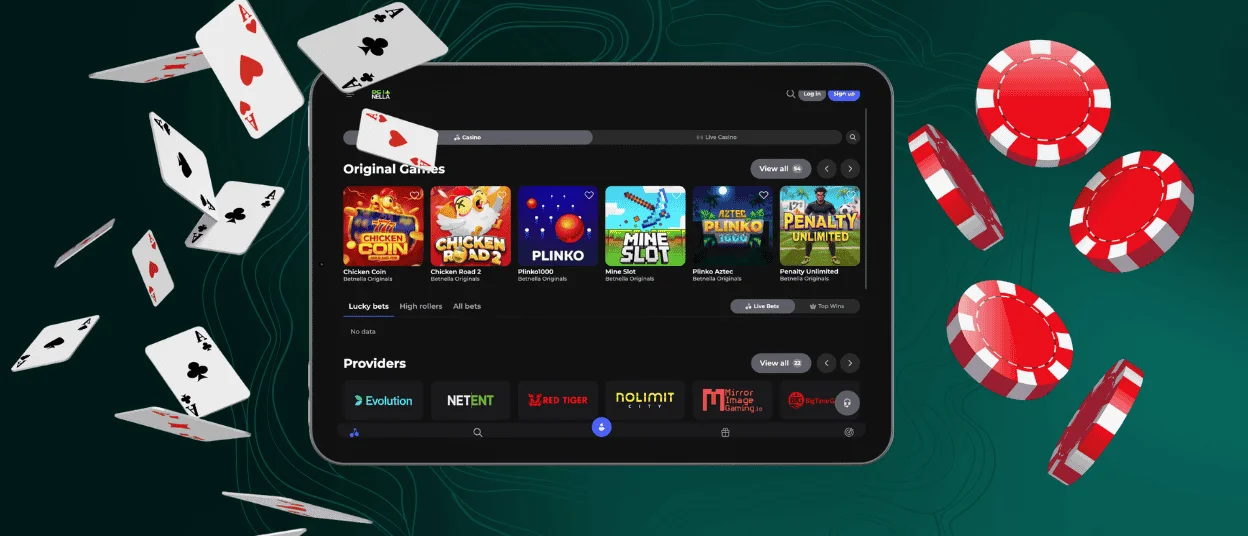
On iOS, Betnella works through Safari or another current mobile browser. Players can add the website shortcut to the home screen and open the casino in a format that feels close to an app, without downloading a separate file.
The iOS version keeps the main account areas in the mobile menu. Players can open the lobby, check game categories, view the wallet, manage bonuses, adjust profile settings, and contact support from the same screen flow. This is useful when switching from desktop to iPhone or iPad, because the account data stays connected.
For smoother use on iOS, we recommend an updated browser, a current operating system, and a stable internet connection. This is especially important for live casino games and high-quality slots, as they use more data and need steady loading to work correctly.
Betnella Casino Application for Windows/macOS
Desktop users can access the Betnella Casino application on Windows and macOS without installing a separate program. This format suits players who prefer a larger screen and want more space for browsing games and account sections.
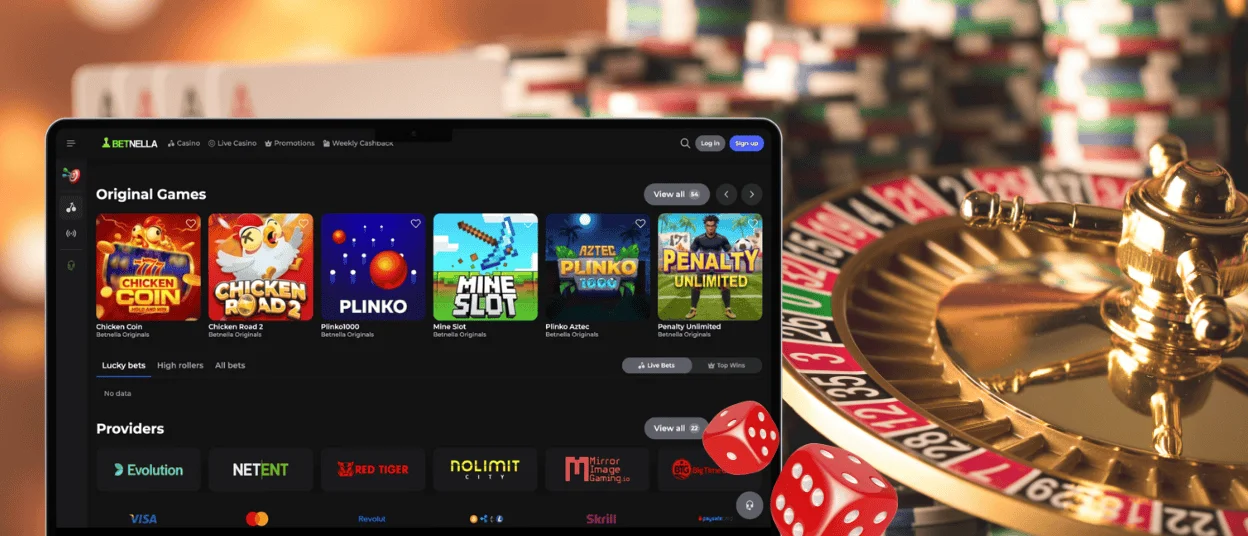
Desktop access gives players a wider view of the casino lobby, game categories, account menu, cashier, and support section. For live casino games, the larger screen also makes the dealer stream, table layout, and betting area easier to follow.
The same Betnella app account works on desktop and mobile. Players do not need a new profile for Windows or macOS. The balance, active bonuses, profile details, and account settings stay connected across devices.
Device Compatibility
Betnella works across common mobile and desktop formats through browser-based access and official mobile options where available. The experience depends on the device, browser version, screen size, and internet connection. We recommend using updated software because older systems may load some casino features more slowly.
| Device type | Best use | Main note |
| Android smartphone | Short sessions, quick game access, account checks | Keep the browser and system updated |
| Android tablet | Longer mobile play and easier lobby browsing | Larger screen gives better control than a phone |
| iPhone | Account access, slots, bonuses, support | Stable connection improves live game performance |
| iPad | Casino browsing and live games | More screen space helps with table layouts |
| Windows computer | Long sessions, full lobby view, payments | Best for players who prefer keyboard and mouse |
| macOS computer | Full casino access and larger screen play | Works through any modern browser |
Cross-device use is simple because the same account works on each device. Players can log in on mobile, check the balance, and later continue from a desktop computer. For account security, the system may ask for a fresh login, especially after a period of inactivity.
The Betnella app does not take much space on the device because it works as a PWA. It does not require a large installation file, and most updates come through the website automatically. Players still need a stable internet connection for casino games, especially live games and animated slots, because these titles load data during play.
FAQ
Is there customer support in the Betnella Casino app?
Yes, customer support is available through the mobile version of Betnella Casino. Players can open the support section from the account or menu and contact the team about login, payments, bonuses, verification, or gameplay questions. Support is available from both mobile and desktop, so players can use the same help channel for app-related questions. When contacting support, it is useful to add the account email, the game name if the question is about a specific title, and a short description of what happened.
Do I need an account to use the Betnella app?
An account is needed to use real-money features, manage the wallet, claim available bonuses, and save account history. Players use the same login details as on the desktop website. Visitors can view some public sections before registration, but full casino access requires a registered account. This keeps the balance, payments, bonus status, and responsible gaming tools connected to one profile.
Are all games available in the app?
Yes, all Betnella games are available in the app. Players can open the full casino lobby on mobile and access the same slots, table games, live casino games, and other categories as on desktop.
How can I update the Betnella Casino app?
Browser-based mobile access updates automatically when we update the platform. Players only need to refresh the page, keep the browser current, and use the latest available device system version.


